Benefits of NTN Registration
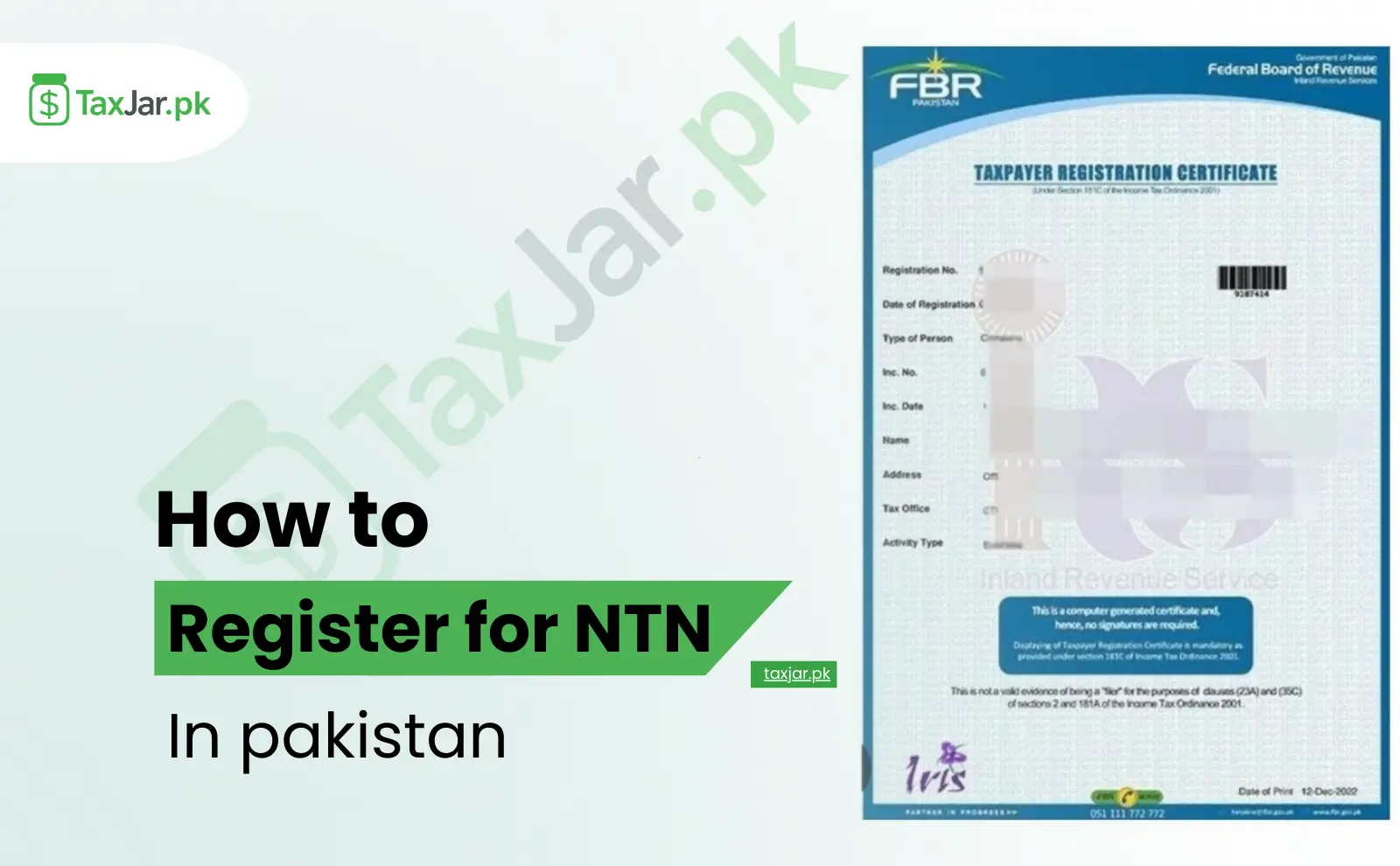
People who register for NTN receive many financial advantages. FBR marks their status as filer, which helps reduce tax on banking transactions, property transfers, and vehicle registration. A filer pays less tax compared to a non-filer, so the yearly savings are significant. NTN registration allows individuals and businesses to participate in government tenders and apply for loans, because banks consider NTN holders as documented customers. It helps build financial history and protects from fines or notices issued for unregistered income. People who travel, buy cars, invest in shares, or run businesses enjoy lower tax rates. NTN also improves business trust, because customers can verify your tax status. Whether you are an employee, business owner, or freelancer, applying for NTN gives long-term financial benefits.
Documents Required for NTN Registration
Required for Individuals
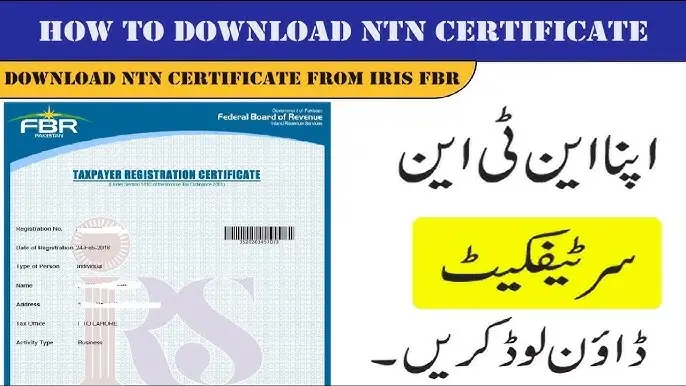
Individuals need very basic documents to register for NTN. The main document is CNIC, which confirms identity. An active mobile number and email are also necessary because the FBR system sends verification codes to both. For address proof, a recent electricity or gas bill is required. If a person is salaried, they may attach a salary letter, but it is not compulsory. When the codes are received, the applicant enters them into the IRIS system and completes the profile. These documents are checked by FBR before issuing the NTN.
Required for Businesses
Businesses require a few additional documents. The owner’s CNIC is needed along with business name and address. A bank account with the business title helps confirm identity. Limited companies and partnerships must attach registration certificates or partnership deeds to show ownership. A letterhead and stamp are used for verification. FBR reviews these files and approves the application. Businesses need NTN to open commercial bank accounts, apply for licenses, and file tax returns.
NTN Registration Process in Lahore (Online Method)
- Problem:The system fails to generate a QR code, or an invoice submission is rejected with an error code.
- Technical Assistance Steps:
- Validate Data Fields:This is the most common cause. Cross-reference every field in your invoice with the requirements in the Digital Invoicing User Manual. Common culprits include incorrect NTN formats of buyers, missing HS codes, or miscalculated tax amounts.
- Understand Error Codes:When an invoice is rejected, the system provides a specific error code. Refer to the official error code glossary provided by the FBR to understand the exact issue.
- Stable Internet Connection:A weak or intermittent internet connection can disrupt the communication with the FBR’s servers, leading to time-out errors during QR code generation.
3. Integration Issues with POS/ERP Systems
- Problem:Your existing billing software is not communicating correctly with the FBR Digital Invoicing System, leading to failed data synchronization.
- Technical Assistance Steps:
- Contact Your Software Vendor:This is your first and most important point of contact. Your POS/ERP provider is responsible for ensuring their product is updated to be compliant with the FBR Digital Invoicing Software API specifications.
- Verify API Configuration:Confirm that the API endpoints, client ID, and client secret provided by the FBR are correctly configured in your software’s backend.
- Check for Updates:Software vendors frequently release patches and updates to improve compatibility. Certify your system is running the latest version.
4. System Performance and Downtime
- Problem:The portal is running slowly, or you receive a “system under maintenance” message.
- Technical Assistance Steps:
- Check Official FBR Channels:The FBR will usually announce scheduled maintenance on their official website or social media channels. Check there first.
- Try Off-Peak Hours:If the system is slow but operational, try generating and submitting invoices during off-peak hours, such as early morning or late evening.
- Be Patient and Retry:For unscheduled downtime, the only solution is to wait for the FBR’s technical team to resolve the issue. Keep a record of your invoices to submit them once the system is stable.
Where to Seek Digital Invoicing Technical Assistance
Official FBR Helpdesk and Portals:
The FBR has established a dedicated helpline and an online helpdesk for this specific purpose. These channels are equipped to handle queries related to portal access, legal requirements, and official procedures.
Your POS/Software Provider:
For any issue that originates within your own billing software, your vendor is the best resource. They provide the most direct form of Digital Invoicing Technical Assistance for their product.
The Digital Invoicing User Manual and FAQs:
Before making a call, always consult the official Digital Invoicing User Manual. It is a treasure trove of information, containing step-by-step guides, data field definitions, and preliminary troubleshooting tips.
Registered Tax Consultants and Practitioners:
Many tax firms and consultants have upskilled their teams to provide support for the new system. They can offer hands-on assistance and can often resolve complex compliance and technical issues.
Proactive Measures for a Smooth Experience
The best technical assistance is the kind you don’t need. Adopt these proactive habits:
Staff Training:
Ensure the staff responsible for generating invoices are thoroughly trained on the new process.
Data Hygiene:
Maintain clean and updated master data in your system, including correct NTN/STRN for your frequent buyers and accurate product information with proper HS codes.
Keep Software Updated:
Whether it’s your browser or your POS software, regular updates ensure you have the latest security patches and performance improvements
Understanding the FBR Digital Invoicing System
The FBR Digital Invoicing System is a centralized, real-time platform designed to track and verify sales and purchases across the supply chain. Its primary objectives are to:
- Curb Tax Evasion: By live-reporting invoices, it minimizes the possibility of under-reporting sales.
- Simplify Compliance: Automates the process of invoice generation and reporting, reducing manual filing.
- Enable Fast Refunds: Authentic, digitally verified invoices will facilitate quicker sales tax refunds.
- Promote Documentation: Encourages a documented economy by creating a verifiable trail for both buyers and sellers.
This software for Pakistani businesses is not just a tool for large corporations; it is mandated for all registered persons, making it an essential component of daily business operations.